.png)
.svg)

.png)
.svg)
.svg)

Running a restaurant or café in the Philippines comes with many challenges—rising food costs, supply chain delays, changing customer habits, and unexpected overhead expenses. But one of the biggest, most overlooked causes of income loss? Poor food inventory management.
Whether you're operating a small food stall or managing multiple branches of a casual dining chain, keeping tight control of your ingredients and supplies can make or break your bottom line.
At Orderna, we believe that smart inventory management—backed by an intelligent POS system—is one of the best ways to prevent income loss and boost long-term profitability.
Here’s how.
Why Food Inventory Management Is So Important
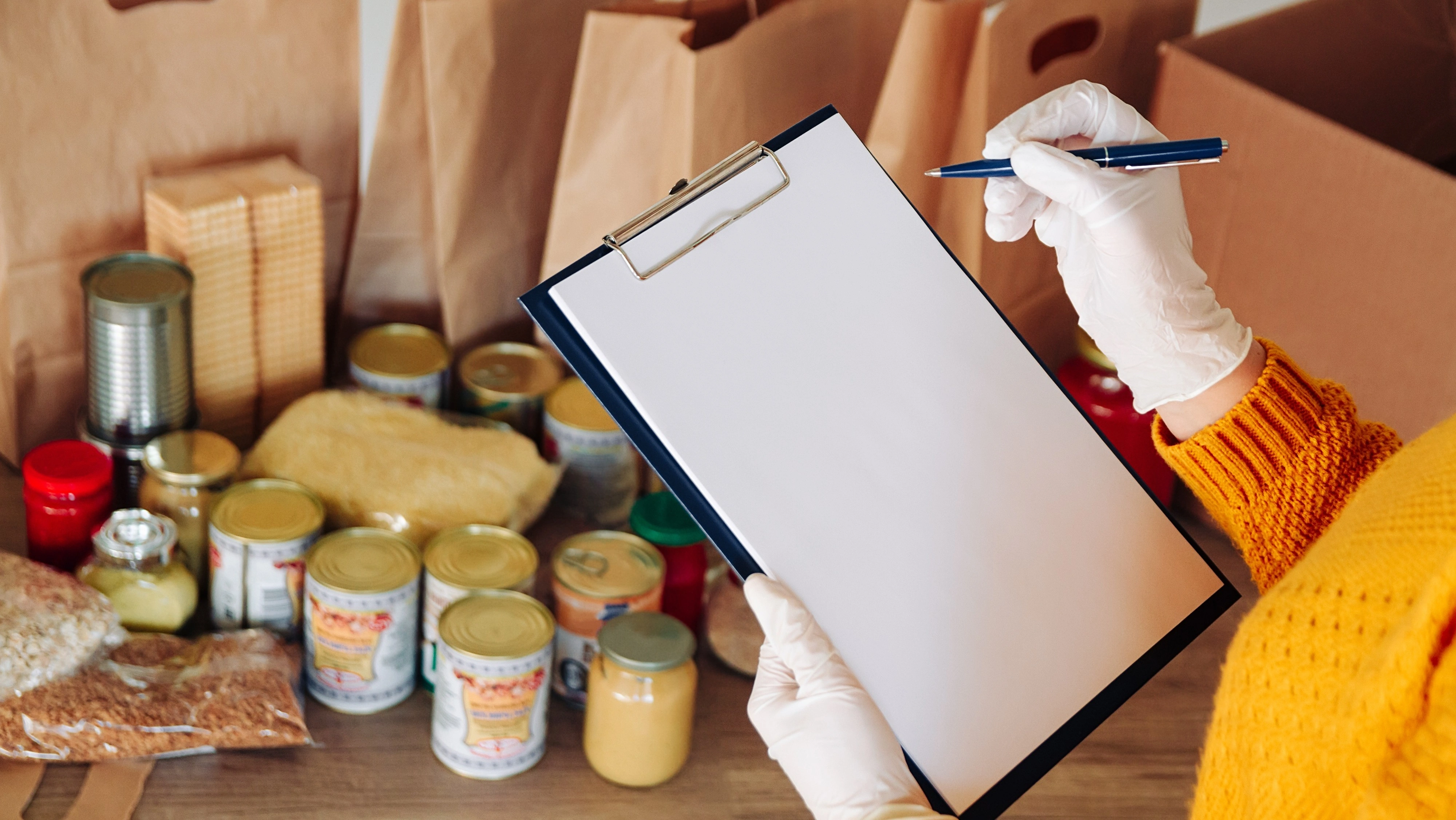
Every time an ingredient goes bad, a dish is over-portioned, or an order is mismatched, your business loses money.
When you don’t have a clear system in place to track inventory usage, you risk:
• Overordering or underordering stock
• Food spoilage due to poor rotation
• Unrecorded waste or theft
• Inconsistent portioning and recipe costs
• Menu items being unavailable due to stockouts
All of this adds up—and can quietly eat into your revenue without you even noticing.
Common Causes of Inventory-Related Income Loss
1. Lack of Real-Time Tracking
Using manual spreadsheets or paper logs makes it nearly impossible to monitor what goes in and out of your kitchen each day.
2. No Standardized Recipes
Without defined portions, staff may overuse ingredients or make inconsistent dishes—leading to waste and customer dissatisfaction.
3. Unrecorded Wastage or Spoilage
If expired items or kitchen mistakes aren’t documented, they won’t reflect in your reports—and you’ll be stuck guessing where your margins went.
4. Disconnected Front and Back of House
When your sales data isn’t linked to your inventory, you’ll always be playing catch-up. A sale should automatically deduct the correct ingredients from your stock.
How Orderna Solves These Problems
Orderna’s POS system includes built-in inventory management features designed specifically for F&B businesses in the Philippines. Here’s what it helps you do:
1. Track Ingredient Usage Automatically
Whenever you sell an item, the system automatically deducts the right quantities from your inventory—no more guesswork.
2. Set Low Stock Alerts
You’ll get notifications when critical ingredients are running low, so you can restock before you run out—or lose a sale.
3. Monitor Wastage and Adjustments
Orderna allows you to log spoiled items, canceled orders, or kitchen mistakes. That data helps you analyze patterns and address recurring issues.
4. Create Standard Recipes and Portions
You can define the exact ingredients and amounts for each menu item, helping you standardize prep and control costs more effectively.
5. Access Real-Time Reports Anytime
Our cloud-based dashboard gives you full visibility into stock levels, consumption trends, and cost of goods sold (COGS)—even if you're off-site.
The Financial Impact of Poor Inventory Control
Let’s break it down:
• Ingredient waste of just ₱1,000 per day equals ₱30,000 per month
• Lost sales due to stockouts can mean hundreds or thousands of pesos daily
• Unrecorded shrinkage can eat up 3–5% of your monthly revenue
With a smart POS like Orderna, these losses can be significantly reduced or avoided entirely.
Tips for Better Inventory Control in Your Restaurant
• Conduct daily or weekly stock counts and compare them with POS records
• Implement First-In-First-Out (FIFO) for perishables
• Train staff to follow standard recipes
• Use tech tools to automate repetitive tasks and reduce manual errors
• Regularly review your COGS and adjust menu pricing when needed
Final Thoughts
Food inventory management isn’t just a back-office task—it’s a core part of running a profitable F&B business.
By using Orderna’s POS system to track, monitor, and optimize your inventory in real time, you can minimize income loss, reduce waste, and increase operational efficiency.
In today’s competitive environment, small margins matter. And when you manage your ingredients well, your profits follow.
.png)